
What a shared code cannot tell you
"Can I give the dog walker a code that works on weekdays and nothing else?"
The question, as it usually arrives
Almost always yes, on current hardware. The interesting part is the second half of that question, which is the one people ask a month later: who used the code on Sunday?
Those two questions look like the same question and they are not, and the distance between them explains most of what gets bought wrong in residential access.
A code is a credential, not a name
Access systems deal in credentials — a credential being anything that proves permission to open something. A code is a credential you know. A fob or a card is one you carry. A fingerprint is one you are.
A code is closer to a movie ticket than to a name tag. The door at the theater checks that the ticket is valid for that showing. It has no way to know whether the ticket is still in the hand of the person who bought it. A keypad is in the same position. It can tell you that a valid credential was presented at a particular minute and the latch released. It cannot tell you who presented it.
That is why the activity log on a lock with one shared code reads as a list of entries and no information. Every line says the same thing, which is that somebody who knows the code came in.
When each person has their own credential, the same log becomes a record of people, because each credential now maps to one human being. Nothing about the hardware changed. What changed is that the system was given something to distinguish.
This is also why removing access works the way it does. One credential can be deleted without touching anyone else's. A shared code can only be changed, which means everyone who still belongs has to be re-told, and in practice one or two of them never are.
One lock's list, or one list for the house
A standalone smart lock keeps its own list of credentials in its own memory. That is a genuine advantage: the lock does not need a network or a server to decide anything, because everything it needs to make the decision is inside the lock.
It is also the limit. The list belongs to that lock. A second door means a second list, and two lists maintained by hand drift apart almost immediately — a cleaner removed from the front door and still live on the side door, a contractor code from last spring that nobody remembers setting.
An access system inverts that. One list of people lives in one place and is distributed to every opening it governs: front door, side door, garage entry, pool gate, driveway gate. A person is added once and exists everywhere they should, and removed once and is gone everywhere.
For one door on a smaller house, the standalone lock is the right answer and the system would be overbuilt. The crossover point has less to do with a count of doors than with the moment the household starts maintaining the same information in more than one place.
Schedules, and the clock they depend on
A schedule limits a credential to certain days and hours. A temporary credential expires on a date. Both of these are evaluated locally, by the lock or the controller, against its own clock.
Which means the clock matters, and it is the part nobody thinks about. A controller whose time drifts, or that comes back from a power loss without the correct date, applies yesterday's schedule to today. A battery-powered lock holds its list through a dead battery but stops making decisions entirely, and the fallback at that point is a physical key — which is the reason a mechanical override exists on nearly every residential lock sold, and the reason it is worth knowing whether a given model has one before it goes on the only door.
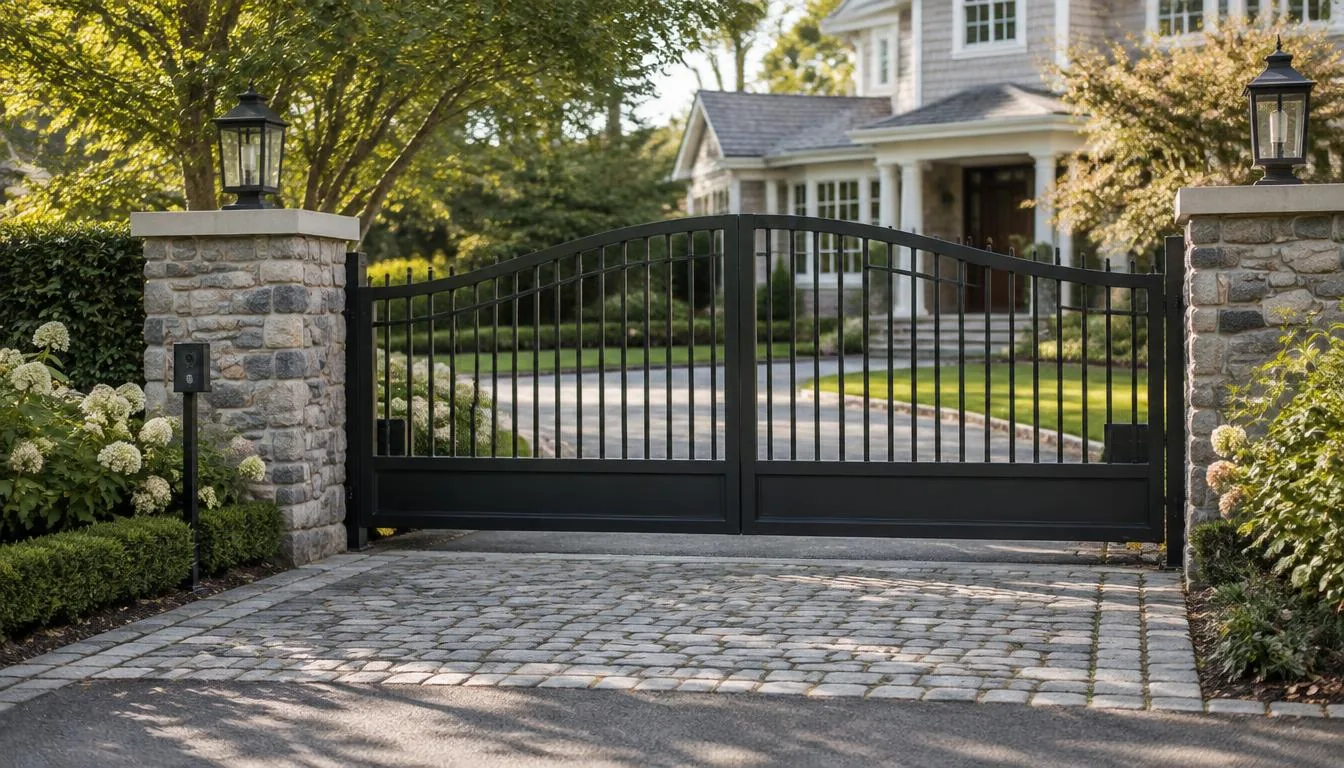
A gate is a machine, not a lock
A door lock moves a bolt. A driveway gate moves a heavy leaf of steel or wood across the path people and cars use, under power, on a schedule nobody standing there is aware of. The access control part of a gate is the small part of the job.
The physical side comes first. A swing gate needs level, stable posts set deep enough for the soil and the frost line, carrying a leaf that acts as a lever arm on them every single cycle. A slide gate needs a track or a cantilever run and a clear path that stays clear, which on a sloped Long Island driveway is its own design problem. Either way the gate has to clear its own arc or travel for the full stroke, and the apron has to be flat enough that the leaf does not drag as it swings downhill.
Then there is safety, and this is the part of the conversation that separates equipment that will be fine from equipment that will not. Vehicular gate operators are covered by the UL 325 safety standard, which requires entrapment protection — means of detecting that something is in the way and stopping or reversing. Gate construction and installation are covered by ASTM F2200. Both are published documents, and both are checkable: the operator's own label states what it is listed for, and the manufacturer's current installation instructions state what the listing requires in the field. Photo eyes, edge sensors and obstruction detection belong to the listing itself.
Every operator also has a means of being released from the drive so the leaf can be moved by hand, which is what matters when the power is out. Where that release is and what it takes to operate differs by model, and the manufacturer's documentation for that exact operator is the authority on it. Battery backup is a separate question, answered by the specific operator and how it was specified.
Power at the end of a driveway is usually the quiet cost on these projects. The run from the house can be long, and length determines whether low-voltage will carry at all or whether line voltage has to go out to the gate. Trenching, conduit, crossing under a driveway apron, and anything on the line-voltage side belong to an electrician.
Where the rule is local
Whether a gate may be installed at all, how far back from the road it has to sit, how tall it may be, and whether it may swing toward a public right of way are town and village questions, not product questions. Those answers differ between an incorporated village and the town around it, and they can differ again inside a historic district. The building department that would issue the permit is the authority, and the permit holder on the job is the one who deals with it.
Where the conversation happens
An intercom decides where a visitor and the household meet.
A door station puts that conversation at the house. Somebody is already standing on the step. A gate station puts it at the road, before anyone is on the property, which is the reason it gets specified on long driveways and on properties where deliveries are meant to stop at the entrance rather than come up to the door. On the East End in particular, the gate is often where the whole decision about who comes up the drive actually gets made.
Some properties run both, and the two stations are doing different jobs. The gate screens who gets in. The door handles whoever is already inside.
Local control and remote control
Two different paths get bundled under the word "smart" and they fail separately.
A code typed at a keypad is a local transaction: the credential is checked against a list stored on site, and the latch releases, with nothing leaving the property. Unlocking from a phone across town is not local. That request leaves the phone, reaches a service, comes back to the house, and depends on every link in between.
So when the internet goes down, keypads generally keep working and remote unlocking generally does not. Entry notifications stop too, because a notification has to leave the house to reach a phone. How a specific system behaves offline is a property of that system, documented by its manufacturer, and it is a reasonable thing to have answered in writing before the household starts depending on the remote half.
What the shared code cannot tell you
Set the hardware aside and the decision is small.
One opening, one list, one lock, a mechanical key behind it: that is a complete and sensible answer for a lot of houses, and the per-person codes are the part worth having.
More than one opening, or people coming and going on different days, and the thing being bought is not really a lock. It is a list of people that lives in one place.
What a shared code gives you is a door that opens for the right people. What it never gives you is the answer to the only question that gets asked after something goes missing or someone shows up on a day they were not expected. The log will say a valid code was entered. It will not say by whom, and no amount of reviewing it later will put a name on that line, because the name was never collected in the first place.
FAQ
Frequently asked questions
Because a log records credentials rather than people. With one code shared among everyone, every line says the same thing: somebody who knew the code came in. When each person holds a credential of their own, each line maps to one human being, which is the only thing that lets the record name anyone.
On current hardware, yes, and it can also be set to expire on a date. Those limits are evaluated on site, by the lock or the controller, against its own clock. That is why a controller whose time has drifted, or that returns from a power loss without the right date, can apply the wrong day's rules without anything appearing to be wrong.
A code typed at a keypad is a local transaction and generally keeps working, because everything needed to decide it is already on the property. Unlocking from a phone across town is not local: the request leaves the phone, reaches a service and comes back, so it depends on every link in between. Entry notifications stop for the same reason, since a notification has to leave the house to reach a phone.
Because it is a machine rather than a latch. It needs stable posts or a track carrying a heavy moving leaf, a clear path for the full stroke, power brought to the end of the driveway, and the obstruction detection its safety listing requires. The access control part of it — codes, schedules, who gets in — is the small part of the job.
Plan the entry
For smart locks, video intercoms, gate access and scheduled entry, see Access Control & Entry. Cameras at the door and gate are covered under Surveillance Systems, and the network behind it all under Networking & Wi-Fi.
Our town guides for Brookville and Muttontown cover gate access and entry on larger properties.
Talk through the problem
Call 631-656-9180, Mon–Fri 8 AM–6 PM and Sat 9 AM–1 PM, or tell us what is happening through the contact form. We serve Long Island, Manhattan and the Hamptons.